When I first helped a couple upgrade their 30‑year‑old home, the biggest question they asked was: how much does smart home technology cost? They wanted comfort without blowing the budget, and that’s the exact dilemma I solve every day in the MyDomy lab.
Understanding the Cost Drivers
Smart home expenses break down into three main buckets: hardware, installation & integration, and ongoing services. Below you’ll see why protocols matter.
Hardware
Devices that speak Zigbee, Matter, or Thread each have different price points because of certification fees and chipset availability. Matter‑compatible gear tends to be a bit pricier now, but it future‑proofs your setup.
Installation & Integration
DIY installations save labor, but professional wiring (especially for whole‑home audio or HVAC) can add $100‑$300 per zone. The MyDomy lab often recommends a hybrid approach: DIY for lights, pro for climate.
Ongoing Services
Cloud subscriptions for security cameras or voice assistants usually run $5‑$15 per month. Some ecosystems (e.g., Apple HomeKit) have no mandatory fees.
| Device Category | Average Cost (2026) | Primary Protocol | Notes |
|---|---|---|---|
| Smart Bulb (e.g., Wi‑Fi, Zigbee) | $15‑$30 | Zigbee / Wi‑Fi | Matter versions start at $20 |
| Door/Window Sensor | $25‑$45 | Matter / Thread | Battery life 5‑7 years |
| Smart Thermostat | $180‑$250 | Zigbee / Matter | Professional install recommended |
| Security Camera (Indoor) | $80‑$150 | Wi‑Fi / Proprietary | Cloud storage $5‑$10/mo |
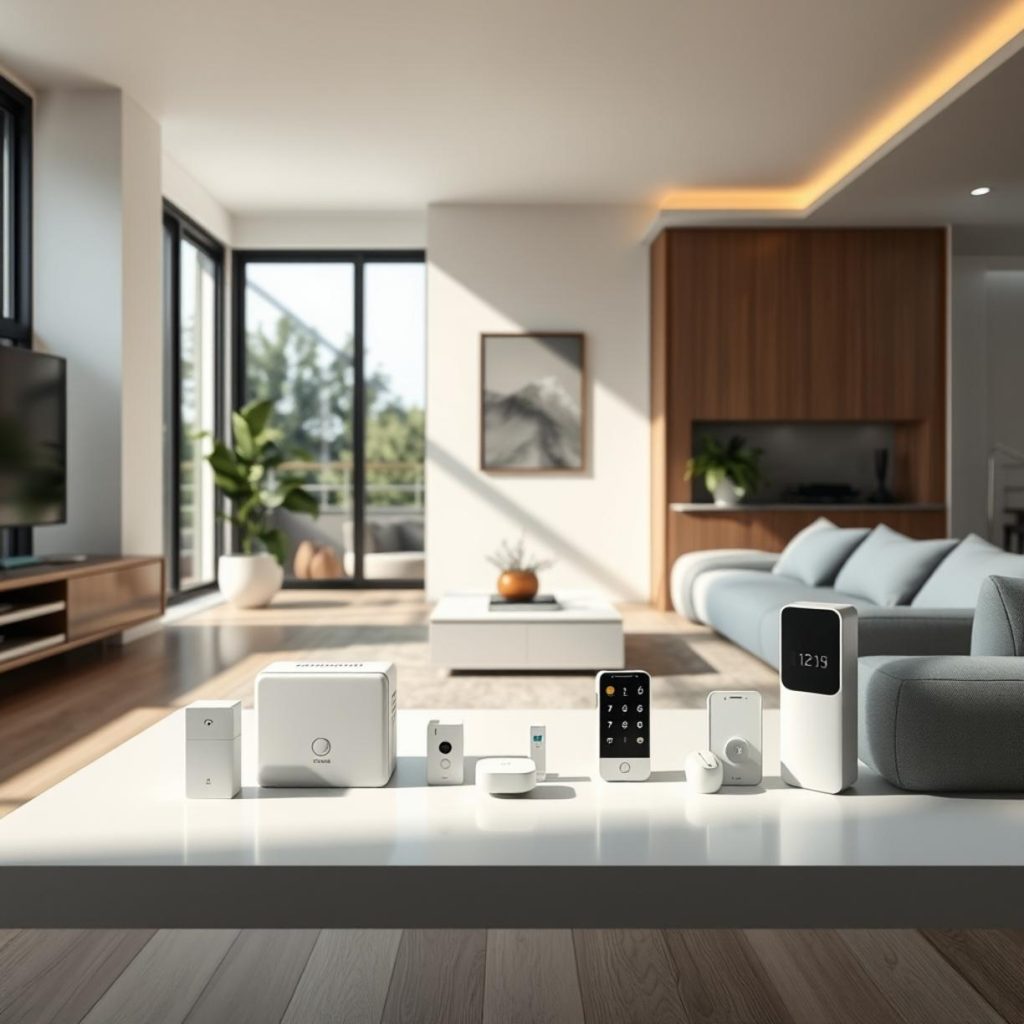
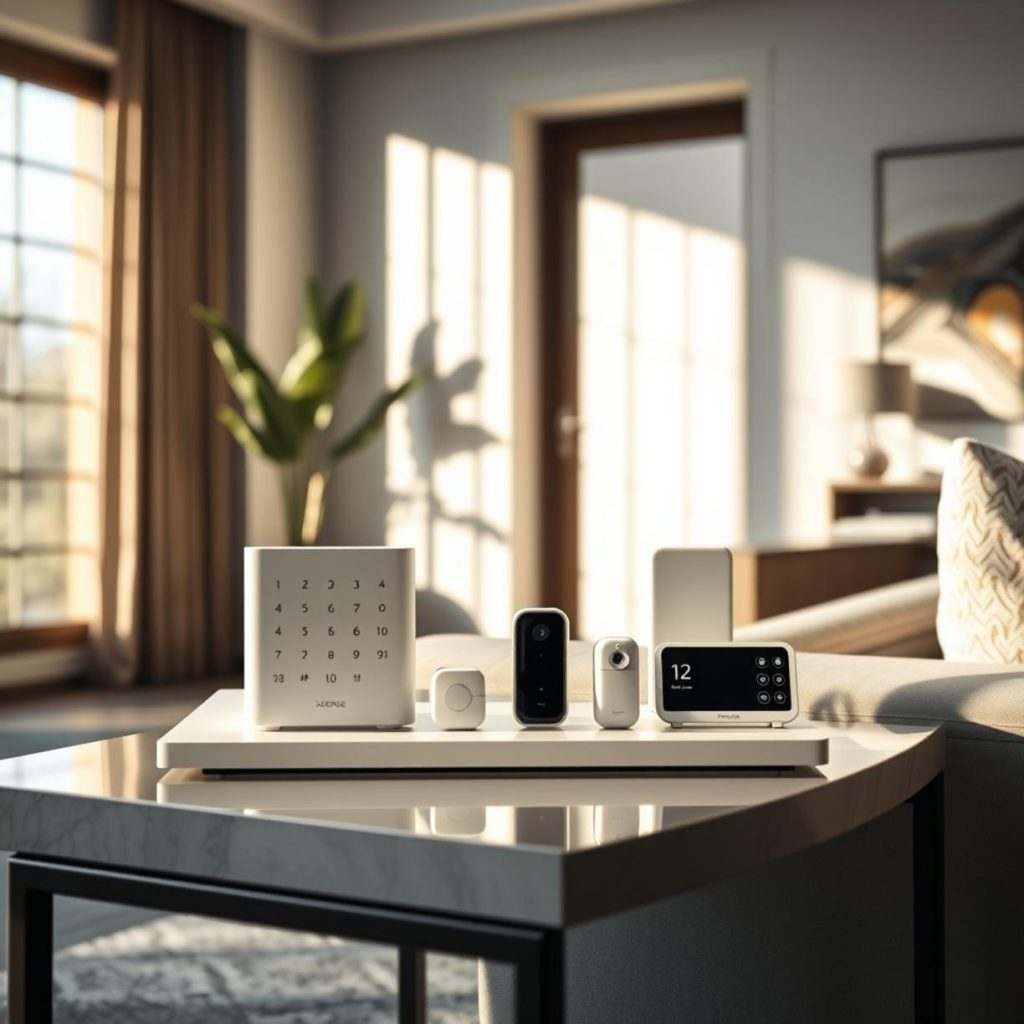
| Whole‑Home Hub | $120‑$250 | Matter, Thread, Zigbee | Acts as bridge for legacy devices |
Step‑by‑Step Guide to Budget‑Friendly Installation

- Audit your needs. List rooms, devices, and desired automations. I always start with a spreadsheet in the MyDomy lab.
- Choose a hub. Pick a Matter‑ready hub; it will speak Zigbee and Thread out of the box, saving future adapters.
- Buy in bundles. Many manufacturers offer starter kits (bulbs + bridge) that are 10‑15% cheaper.
- DIY the easy wins. Install bulbs, plugs, and sensors yourself. Follow the manufacturer’s app for pairing.
- Schedule pro work for critical systems. HVAC, door locks, and wired lighting benefit from a licensed electrician.
- Test and document. I log firmware versions and IP addresses in the lab’s central spreadsheet.
Common Mistakes to Avoid

- Assuming all “smart” devices speak the same protocol – Zigbee, Matter, and Thread are not interchangeable without a hub.
- Over‑loading Wi‑Fi – too many cameras on a single band can cause latency.
- Skipping firmware updates – security patches often reduce power consumption and improve compatibility.
- Ignoring battery life – cheap sensors may need replacement every 12‑18 months, inflating long‑term cost.
- Choosing the cheapest hub without local processing – cloud‑only hubs add monthly fees and latency.
Best Practices & Tips
My top recommendation is to design with scalability in mind. Start with a core Matter hub, then expand using Zigbee adapters for legacy devices. Keep an eye on smart home technology pricing trends; quarterly sales often drop device costs by 20%.
- Use Thread for battery‑operated sensors – lower power draw and mesh reliability.
- Group devices in the app to reduce API calls and improve response time.
- Document every integration point – I store this in the MyDomy lab’s Git‑backed wiki.
- Allocate a 10% contingency budget for unexpected wiring or firmware subscriptions.
Conclusion
In 2026, a fully automated home can be built for $1,200‑$2,500 depending on the level of comfort you desire. By leveraging Matter‑ready hubs, buying in bundles, and avoiding the pitfalls listed above, you’ll keep the total spend predictable and future‑proof.
FAQs
- What is the cheapest way to start a smart home?
- Begin with a Matter hub, a few Zigbee bulbs, and a couple of battery‑powered door sensors. Expect an initial outlay of $150‑$250.
- Do I need a separate hub for Zigbee devices?
- Not if you choose a hub that supports both Matter and Zigbee. The hub acts as a bridge, eliminating extra hardware.
- How much does professional installation add to the budget?
- Typically $100‑$300 per zone for HVAC or wired lighting. For simple plug‑and‑play devices, DIY is sufficient.
- Will my smart home devices work after the next protocol update?
- Matter is designed for backward compatibility. Devices certified for Matter will continue to function, while legacy Zigbee devices may need a firmware bridge.
- Is there a hidden monthly cost?
- Only if you opt for cloud storage or premium voice‑assistant subscriptions. Basic local control via Matter has no recurring fees.